Launch pages
Show the real product UI inside phone, tablet, smartwatch, or laptop frames for website sections.
Use case
MockupPro 3D helps app makers turn product screenshots into clean 3D mockups for launch pages, feature announcements, paid ads, social posts, investor decks, and support articles. The screen stays your real UI while the browser editor handles the device frame, camera, material color, and capture settings.
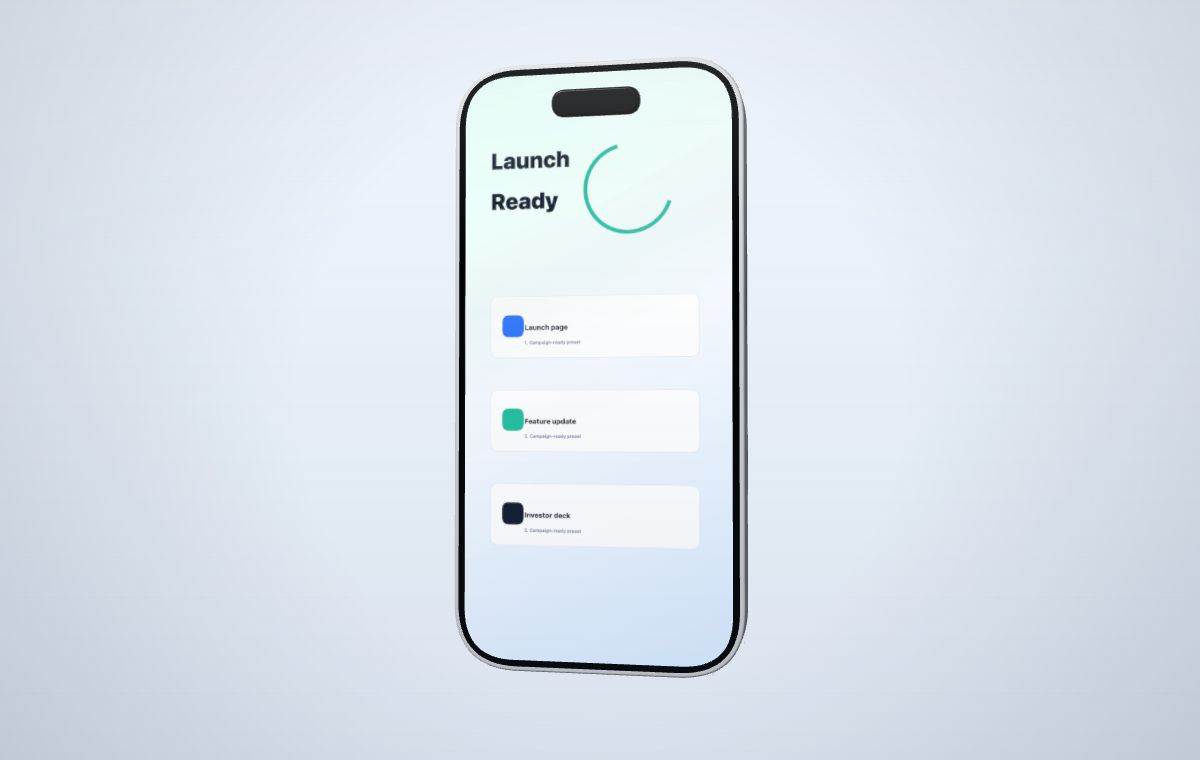 Map the real app UI into a controlled device frame for launch pages, updates, ads, and decks.
Create your mockup
Map the real app UI into a controlled device frame for launch pages, updates, ads, and decks.
Create your mockup
Use one controlled setup across launch channels instead of exporting a different flattened image for every destination.
Show the real product UI inside phone, tablet, smartwatch, or laptop frames for website sections.
Replace screenshots quickly while keeping the same camera, canvas, and device style.
Create clearer product slides without buying mockup packs or editing 3D files.
The strongest app screenshot mockups usually start with clean product media and a clear target channel.
Add a PNG, JPG, or WebP from your product, app store draft, browser, or design export.
Choose phone, tablet, smartwatch, or laptop depending on the product story.
Tune camera angle, color modules, canvas ratio, screen fit, and output clarity.
Export a watermarked draft or use credits for a sharper watermark-free version.
Yes. MockupPro 3D runs in the browser, lets you upload a screenshot, and maps it onto generic 3D device models for capture.
The editor supports PNG screenshots and short video capture presets. Watermarked drafts stay available with a watermark, while sharper paid-quality exports use credits.
You can use exports for your own product marketing when you have rights to the uploaded media and follow the selected plan terms.
Start with a screenshot, keep the original product screen, and export consistent assets for your launch page, social posts, or deck.