Upload media
Add a PNG, JPG, WebP, or MP4 screen recording from your app or mobile website.
Phone mockup template
Turn app screenshots, mobile web views, and short screen recordings into polished 3D phone mockups for launch pages, app listings, social posts, product decks, and campaign visuals.
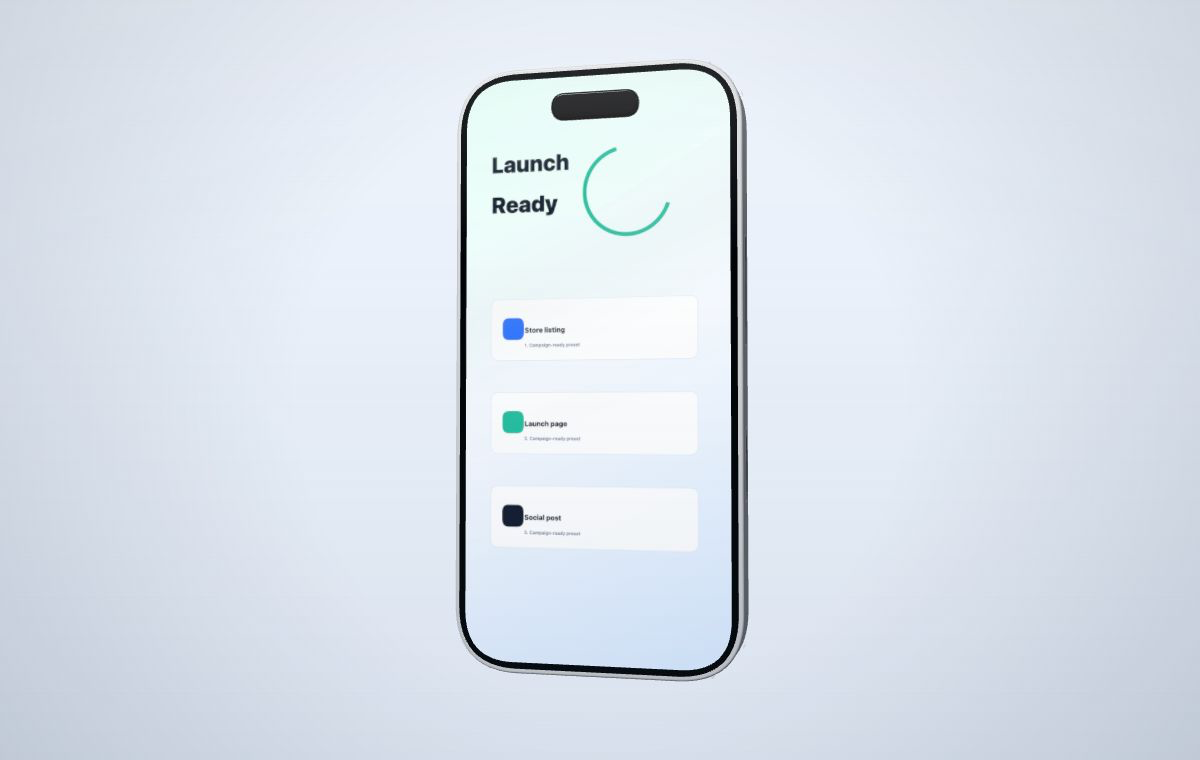 Use a phone frame for app launches, store listings, landing pages, and social posts.
Create your mockup
Use a phone frame for app launches, store listings, landing pages, and social posts.
Create your mockup
Phone mockups are a direct way to make a mobile product feel tangible without rebuilding a scene in a 3D package.
The editor keeps the phone model and screen mesh controlled while letting you tune the parts that affect campaign output.
Choose a starter that matches the asset you need, then adjust camera, canvas ratio, material color, and screen framing in the editor.
A tall mobile composition for app release pages, maker updates, and social launch graphics.
Open templateA consistent preview angle for product galleries, changelog images, and announcement posts.
Open templateA clean product-first frame for mobile screenshots that need polish before being exported.
Open templateAdd a PNG, JPG, WebP, or MP4 screen recording from your app or mobile website.
Choose fit, fill, stretch, or manual crop so the UI sits naturally on the phone screen.
Tune camera angle, material color, canvas ratio, lighting, and motion for the target channel.
Export a watermarked draft or use Pro credits for sharper watermark-free campaign output.
Yes. You can preview phone mockups with watermarked drafts. Pro credits unlock sharper watermark-free exports when a campaign asset is ready.
No. MockupPro 3D runs in the browser and includes camera, screen framing, material color, and capture controls.
Yes. Upload an MP4, choose the source segment, and capture a short phone video mockup with controlled timing.