Use-case hub
Choose the right 3D mockup workflow
MockupPro 3D supports app screenshots, SaaS dashboards, MP4 product recordings, launch galleries, and comparison workflows where prompt-generated visuals are not controlled enough. Start from the use case that matches your campaign, then open the browser editor with the right device family.
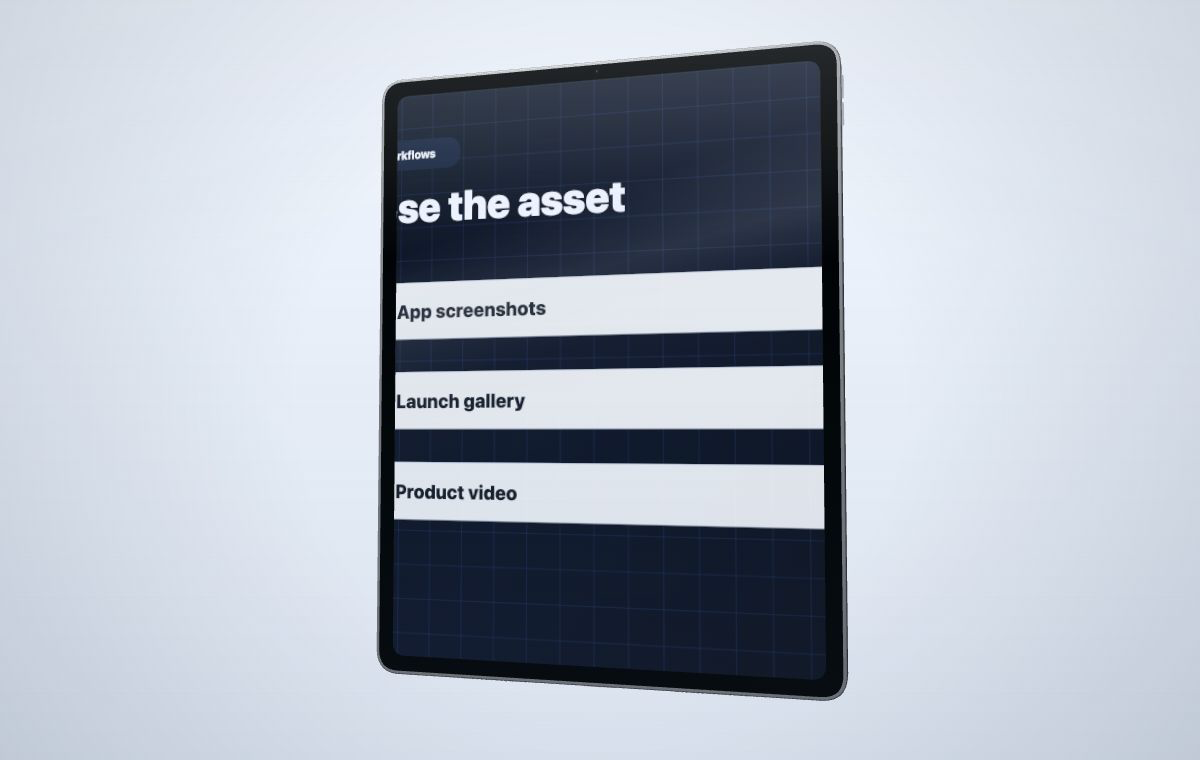 Start from the marketing job, then open the right device template and editor settings.
Browse templates
Start from the marketing job, then open the right device template and editor settings.
Browse templates
Popular use cases
Each page explains which device type to use, what media to upload, how to handle exports, and which related template to open next.
App screenshot mockups
Create polished launch visuals from real app screenshots for pages, updates, and decks.
Read use caseProduct launch mockups
Build a connected set of images and videos for launch pages, Product Hunt, and social posts.
Read use caseProduct video mockups
Map MP4 recordings onto device screens and capture short launch clips.
Read use caseSaaS demo video mockups
Turn dashboard or web app recordings into focused product demos.
Read use caseAI mockups vs 3D mockups
Learn when prompt-generated visuals are useful and when controlled 3D output is better.
Read use caseHow the use-case pages are organized
Use-case pages focus on the job-to-be-done: what you are promoting, what source media you have, and where the output will be published. Template pages focus on the device family: phone, tablet, laptop, or smartwatch.
- Use cases help you choose the workflow and output strategy.
- Templates help you choose the device frame and starting camera.
- Pricing and credits explain when watermarked draft output is enough.
- The editor handles upload, screen fit, color, motion, and capture.