Screen content stays exact
Map your screenshot or MP4 onto the device screen instead of asking a generator to recreate the UI.
Comparison
Prompt-generated visuals are useful for mood, campaign exploration, and quick background ideas. When the product screen must stay exact, a browser-based 3D device mockup workflow gives you direct control over the screen media, camera, canvas ratio, material color, video timing, and export quality.
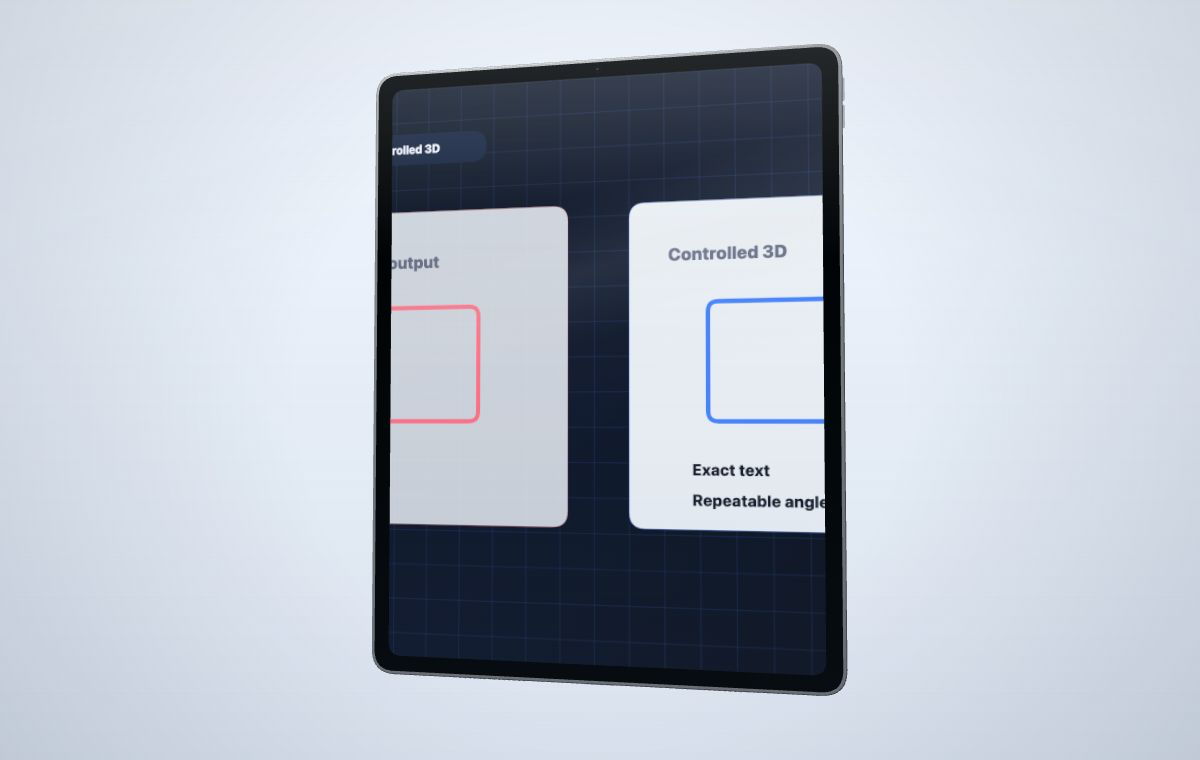 Use AI for mood and backgrounds; use controlled 3D when the product screen must stay exact.
Create your mockup
Use AI for mood and backgrounds; use controlled 3D when the product screen must stay exact.
Create your mockup
Use a static device template when one fixed scene already fits the job. Use prompt-generated visuals for mood and background exploration. Use a controlled 3D device mockup when the real screenshot or MP4, camera, device angle, timing, and output ratio must remain repeatable. This comparison is published by MockupPro 3D and describes the current workflow without claiming that every project needs 3D.
The more specific the product UI becomes, the more valuable a deterministic mockup workflow is.
Map your screenshot or MP4 onto the device screen instead of asking a generator to recreate the UI.
Reuse camera, ratio, motion, and colors across launch images, product videos, and sales visuals.
Starter captures stay available. Credits are used only when you export paid-quality output.
AI and 3D mockups can work together, but they solve different parts of the job.
Start with your actual product screenshot or MP4 screen recording.
Pick phone, tablet, smartwatch, or laptop according to the product story.
Save the camera angle, canvas ratio, material palette, and motion preset for the campaign.
Use watermarked drafts first, then spend credits only for paid-quality captures.
| Need | Static device template | Prompt-generated mockup | Controlled 3D device mockup |
|---|---|---|---|
| Exact app UI | Keeps the inserted screenshot exact, but inside a fixed scene and device setup. | Can drift, redraw text, change layout, or invent interface details. | Uses the uploaded screenshot or screen recording as the source of truth. |
| Video timing | Usually needs separate animation or video editing. | Usually requires extra editing after generation. | Lets you choose source timing, record duration, motion, and final-frame behavior. |
| Reusable campaign set | Repeatable when the same fixed template suits every destination. | Each prompt can produce a different device shape, angle, lighting, or screen crop. | Keeps device, camera, color, canvas ratio, motion, and export settings consistent. |
| Scene control | Limited to the template's editable layers and supplied angle. | Useful for exploring many visual directions without exact geometry. | Useful when device angle, framing, ratio, and screen readability need direct control. |
| Background ideas | Uses the background supplied by the template or one you add manually. | Good for mood exploration and visual concepts. | Works after the visual direction is chosen and the product screen needs precision. |
Use a controlled 3D device mockup when the screen content, device angle, canvas ratio, export resolution, and video timing need to stay consistent across campaign assets.
Yes. AI-generated backgrounds, textures, or campaign concepts can be useful around the device, while the product screenshot or screen recording remains mapped onto a calibrated 3D screen mesh.
Prompted mockups can look nice, but they may redraw the product UI, change text, or shift layout. A controlled mockup keeps the uploaded media as the source of truth.
When the screen content matters, upload the real UI and keep camera, timing, and export settings under your control.