SaaS demos
Turn a screen recording into a focused product clip without editing a full video timeline.
Use case
Upload an MP4, choose the source segment, hold the first or final frame when needed, and capture short 3D device videos for demos, ads, launch announcements, help docs, and social posts. The editor is intentionally simpler than a full video suite: it focuses on device framing, timing, motion, and export quality.
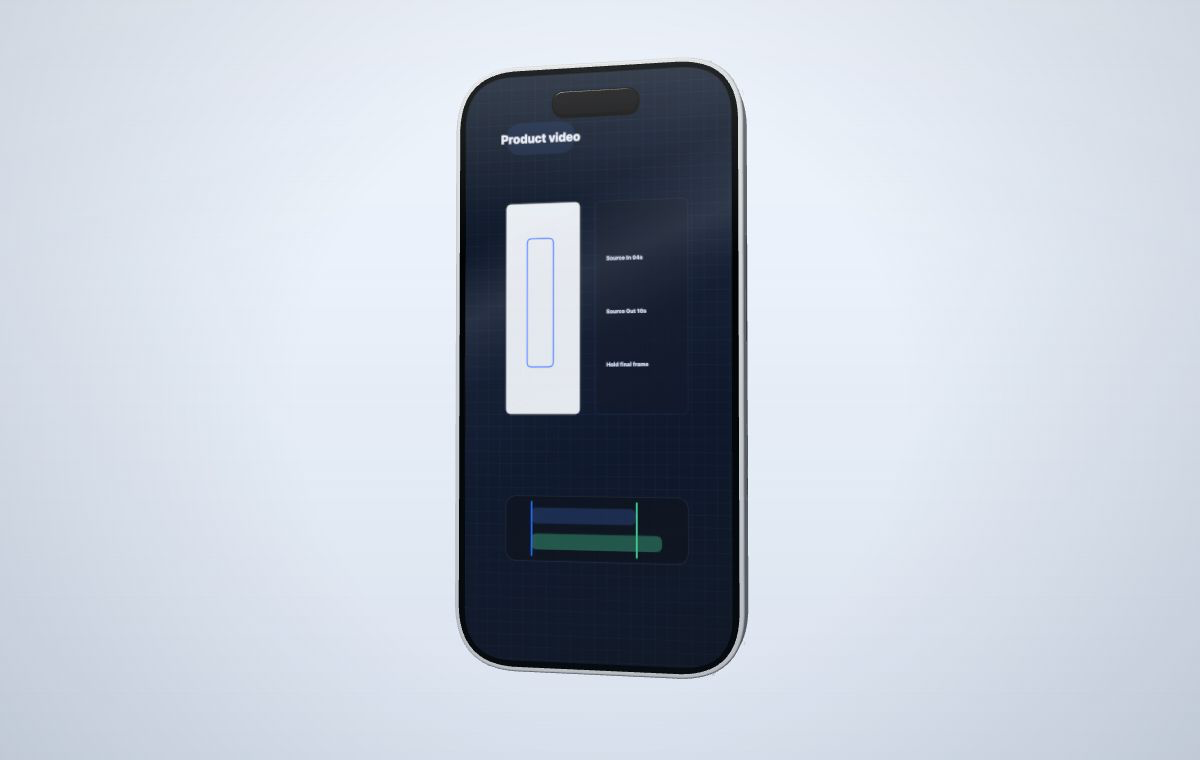 Map an MP4 recording onto the device screen and capture the exact source segment.
Create your mockup
Map an MP4 recording onto the device screen and capture the exact source segment.
Create your mockup
Short device-framed clips work well when you need to show the product in motion without producing a full edited trailer.
Turn a screen recording into a focused product clip without editing a full video timeline.
Create 16:9, 4:3, and vertical compositions for short campaign variants.
Use source timing controls to sync a specific section of your uploaded MP4 with the capture length.
The video controls are designed for product recordings where the important moment may start after a few seconds.
Upload a screen recording from your app, browser, dashboard, or product demo.
Choose Source In, Source Out, and record duration for the exact moment you need.
Pick device, motion, camera angle, canvas ratio, and output clarity.
Use a watermarked draft preset or credits for sharper watermark-free exports.
Yes. You can upload an MP4, choose Source In and Source Out, and map the selected segment onto the device screen.
The source timing controls delay playback from Source In and hold the final frame when the record duration is longer than the selected source clip.
Yes. Choose a vertical canvas ratio such as 9:16, 9:18, or 9:20 before capturing the final mockup.
Start with a short product recording, choose the segment that matters, and capture a mockup video for launch or social channels.