Launch clips
Show the most important product moment inside a polished generic device render.
Use case
MockupPro 3D turns a product recording into a short device-based demo. Choose the exact source segment, hold the opening or final frame when needed, and capture a clean clip for launches, sales follow-up, help docs, onboarding pages, and paid social campaigns.
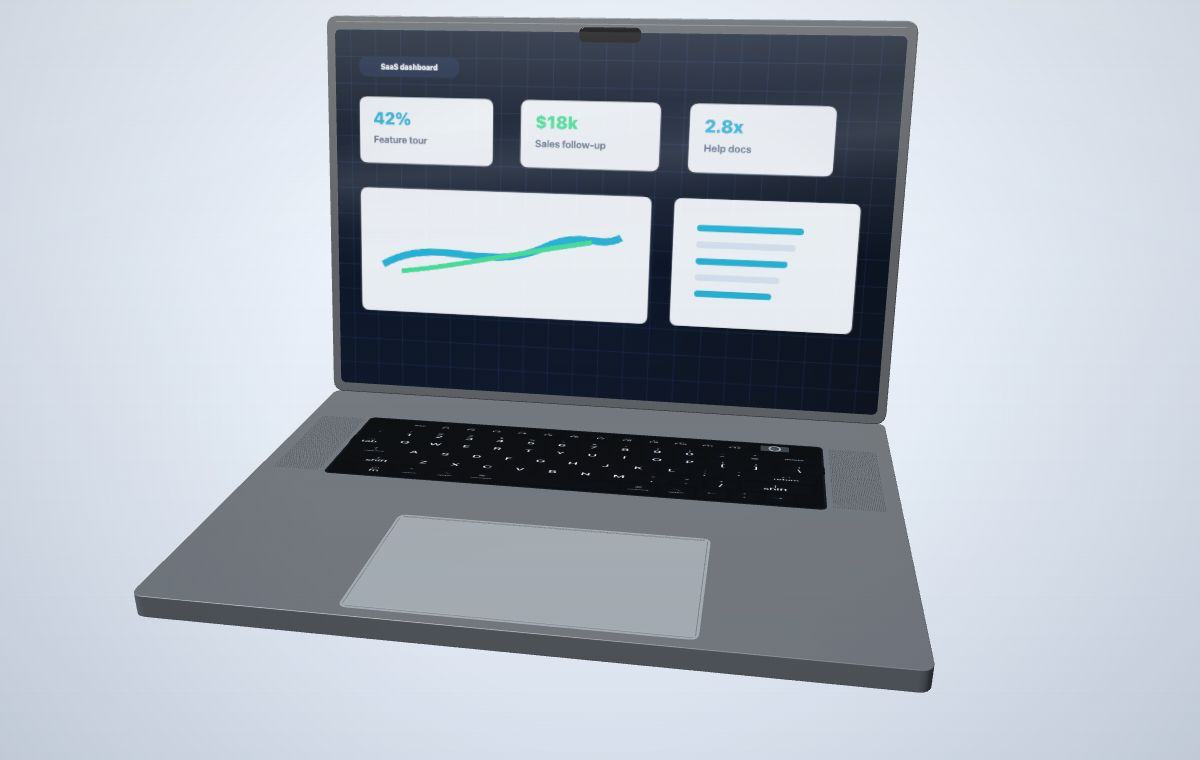 Keep dashboard details readable while adding device depth, timing control, and campaign framing.
Create your mockup
Keep dashboard details readable while adding device depth, timing control, and campaign framing.
Create your mockup
Use short clips when a screenshot cannot explain the workflow but a full edited video would be too much.
Show the most important product moment inside a polished generic device render.
Turn a focused feature walkthrough into a short visual for outbound and follow-up messages.
Compose horizontal, square-ish, or vertical captures from the same uploaded MP4 source.
A clean source recording makes the final device mockup easier to read and more credible.
Use a recording of your SaaS dashboard, website, onboarding flow, or feature walkthrough.
Set Source In, Source Out, and record duration for the exact product moment.
Choose a device, camera, motion preset, material color, and canvas ratio.
Export a watermarked draft video or use credits for sharper paid-quality output.
Yes. Upload an MP4 screen recording, map it to a generic 3D device screen, choose the source timing, and capture a short video mockup.
The selected source clip plays from its start point and then holds the final frame when the capture duration continues longer than the clip.
Laptop works best for desktop dashboards and websites. Tablet works well for wider touch-first workflows, and phone works for mobile companion apps.
Upload a focused MP4, choose a clean laptop or tablet frame, and capture a short clip for launch, sales, or social use.